When it comes to building a secure, stable, and efficient server infrastructure, Windows Server 2022 Standard is one of the most trusted solutions available today. This operating system offers enhanced performance, security, and scalability, making it an ideal choice for businesses of all sizes. In this article, we’ll explore the importance of a Windows Server 2022 Standard license, compare Windows Server Standard vs Datacenter, and discuss how this operating system can help streamline your IT management.
What is a Windows Server 2022 Standard License?
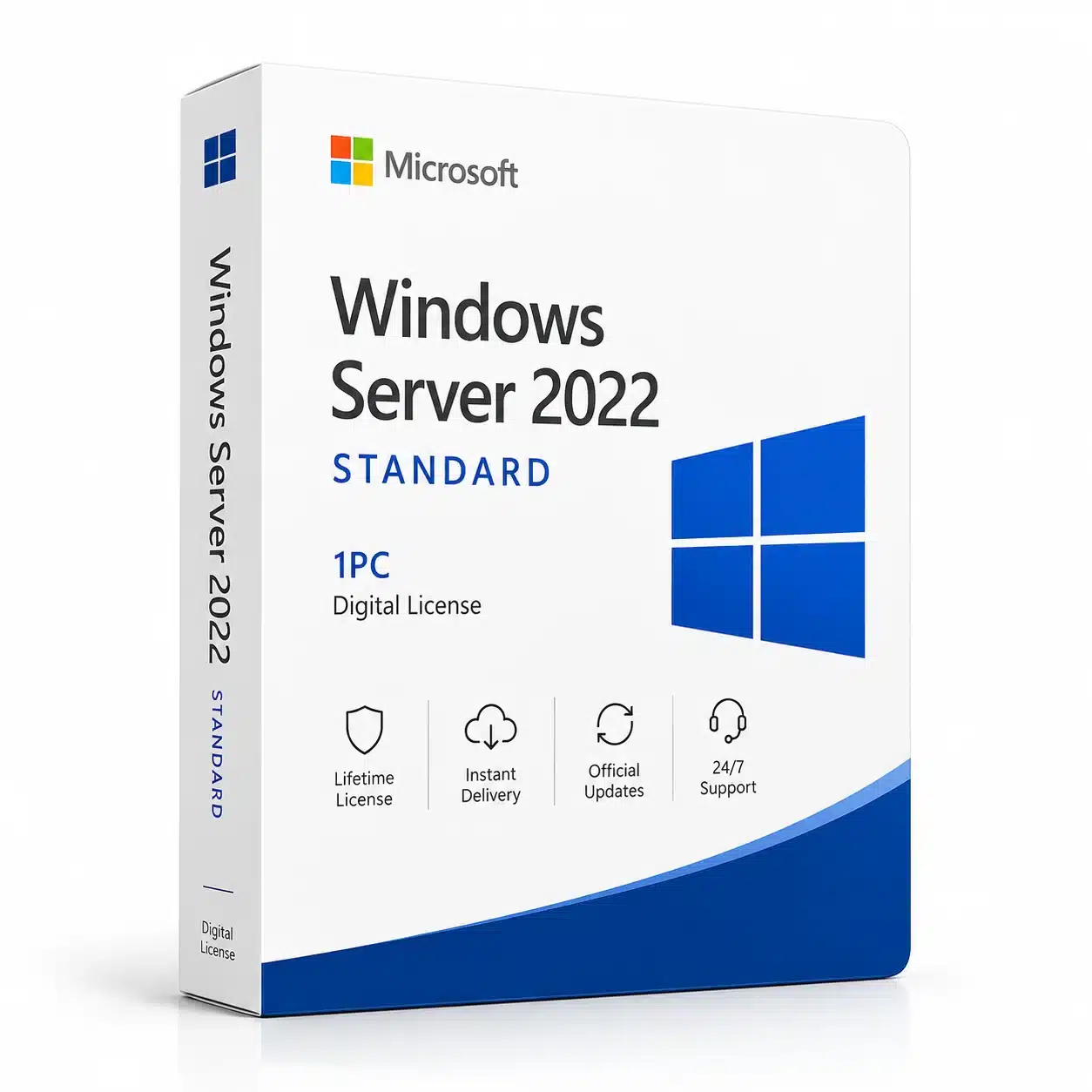
A Windows Server 2022 Standard license is an activation key provided by Microsoft that unlocks the full version of the Windows Server 2022 Standard edition. The Windows Server license is necessary to ensure the operating system is properly activated and running in its legitimate form. Without this activation key, the server will face limitations in terms of functionality, security updates, and support. Learn more about licensing and activation on Microsoft’s official page.
Having a Windows Server 2022 Standard license ensures that your infrastructure is compliant with Microsoft’s licensing policies, providing access to vital updates, security patches, and official support.
Why Is a Genuine Windows Server 2022 Standard Key Important?
Using a genuine Windows Server 2022 Standard license is crucial for several reasons:
-
Legality and Compliance: Running an unauthorized or pirated version of Windows Server can lead to serious legal and financial consequences. Microsoft’s licensing policies require businesses to activate their operating system with a valid key. Read about Microsoft’s licensing policies.
-
Security: Genuine Windows Server licenses provide access to the latest security patches and updates, which is essential for protecting your network and data from evolving cybersecurity threats.
-
Access to Support: With a valid Windows Server license, businesses can access Microsoft’s official support services, which help troubleshoot any server issues. Get support directly from Microsoft.
-
Performance and Reliability: A legitimate Windows Server license ensures the system is optimized and free from the limitations that often accompany pirated or non-activated versions, providing better stability and overall performance.
Windows Server 2022 Standard comes packed with new features that streamline IT operations and enhance security. Here are some of the standout features:
1. Advanced Security Features
Windows Server 2022 Standard builds on its predecessors’ security capabilities by introducing features such as Secured-core Server, Windows Defender Exploit Guard, and Microsoft Defender Antivirus. These features offer protection against a wide range of security threats, ensuring your IT infrastructure remains secure. The operating system also implements Zero Trust architecture to enhance access control and verification for users and devices. Learn more about Zero Trust security.
2. Hyper-V Virtualization
Windows Server 2022 Standard includes Hyper-V, a powerful tool for virtualization that lets businesses run multiple virtual machines on a single physical server. Hyper-V is essential for businesses seeking cost-effective, scalable, and secure virtualized environments. Windows Server 2022 also enhances Nested Virtualization, which allows running Hyper-V inside a virtual machine. Explore Hyper-V and its capabilities.
3. Hybrid Cloud Integration with Azure
Windows Server 2022 integrates seamlessly with Microsoft Azure, enabling businesses to create hybrid cloud solutions. This allows you to extend your on-premise infrastructure to the cloud for increased flexibility, scalability, and disaster recovery. Windows Server 2022 also includes Azure Arc integration, allowing for unified management across cloud and on-premise environments. Explore hybrid cloud with Azure.
4. Windows Containers for Application Modernization
With Windows Containers, businesses can modernize their applications by enabling rapid deployment in a secure and consistent environment. Windows Server 2022 Standard includes full support for containers, making it an ideal choice for businesses using microservices and other modern app architectures. Learn more about Windows Containers.
5. Improved Storage Management
Windows Server 2022 Standard introduces several advanced storage features such as Storage Spaces Direct (S2D) for creating highly available storage systems. The Storage Migration Service simplifies data migration from older servers, ensuring a smoother transition to the newer infrastructure. Learn more about storage solutions.
6. Enhanced Networking Capabilities
Windows Server 2022 offers several network improvements, including SMB Compression, which speeds up file transfers, and QUIC, a protocol designed to improve remote connectivity with reduced latency. These features help ensure fast and secure data transfers. Explore SMB compression and QUIC in Windows Server.
Windows Server Standard vs Datacenter: What’s the Difference?
When evaluating Windows Server Standard vs Datacenter editions, it’s important to understand the primary differences. While both editions offer many of the same core features, the Datacenter edition is designed for larger enterprises with high virtualization needs.
- Virtualization Rights: Windows Server Standard allows for two virtual instances per license, whereas Datacenter offers unlimited virtualization rights. If you need to run many virtual machines, Datacenter is the better choice.
- Price: Windows Server Standard is more affordable for small to medium-sized businesses, while Datacenter is a more expensive option, tailored for businesses that require extensive virtualization capabilities.
- Other Features: Both versions include features like Hyper-V, but Datacenter provides advanced features like Storage Spaces Direct, Network Controller, and Shielded Virtual Machines which are not available in the Standard edition.
Learn more about the differences between Standard and Datacenter editions.
How to Activate Windows Server 2022 Standard key
To activate Windows Server 2022 Standard, follow these steps:
-
Install Windows Server 2022: Begin by installing the operating system on your physical or virtual server.
-
Enter the Product Key: During installation, or after installation, you will be prompted to enter your Windows Server 2022 Standard license key. This key is typically provided when you purchase the software.
-
Activate the OS: Once the key is entered, the operating system will connect to Microsoft’s activation servers to verify the key. If valid, it will complete the activation process.
-
Check Activation Status: To verify if Windows Server is activated, go to Settings > Update & Security > Activation. If it’s activated, it will show up here. If not, troubleshooting steps will be available.
For more assistance with activation, visit Microsoft’s Activation FAQ.
Benefits of Using a Windows Server 2022 Standard Key
1. Cost-Efficiency for Small and Medium Businesses
For small to medium-sized businesses, Windows Server 2022 Standard is the perfect choice. It offers a balance of essential features at a lower price point compared to the Datacenter edition, making it a cost-effective solution for organizations with moderate virtualization requirements. Explore Windows Server editions.
2. Simplified Server Management
The Windows Admin Center included in Windows Server 2022 Standard offers a web-based interface for easy management of your server infrastructure. You can manage multiple servers remotely, improving your IT team’s efficiency. Get started with Windows Admin Center.
3. Scalability for Growing Businesses
As your organization grows, Windows Server 2022 Standard can scale with your needs. Features like Hyper-V, Storage Spaces Direct, and Azure Integration allow for easy expansion of your infrastructure.
4. Enhanced Security and Compliance
Windows Server 2022 Standard includes advanced security features, such as Secured-core Server and Windows Defender Antivirus, helping businesses meet data security and regulatory compliance standards.
Conclusion
A Windows Server 2022 Standard license is essential for activating the full potential of this powerful operating system. With advanced features such as Hyper-V, hybrid cloud integration, enhanced security, and modern app deployment through Windows Containers, Windows Server 2022 Standard is the right choice for businesses looking for performance, security, and scalability.
Whether you are evaluating Windows Server Standard vs Datacenter or seeking a reliable Windows Server license, this operating system offers all the necessary tools to keep your server infrastructure running smoothly and securely. Invest in a genuine Windows Server license today to ensure that your business stays competitive and protected.
For more detailed resources, visit Microsoft Windows Server 2022 Overview.



 Instant delivery
 Purchase Without Risk!
 Satisfied or refunded






Reviews
Clear filtersThere are no reviews yet.