
-51%


Hurry and get discounts on all our key's up to 20%
ORCATHEMES20
$59.00 Original price was: $59.00.$29.00Current price is: $29.00.
 Instant delivery
INSTANT DIGITAL DOWNLOAD
 Purchase Without Risk!
 Satisfied or refunded
Payment Methods:

Looking to buy windows 10 for your compatible PC? Get a convenient digital Windows 10 license and activate your operating system with a product key. Whether you are setting up a new computer, reinstalling Windows, or replacing an existing license, a genuine digital activation solution can help you get your Windows system ready for everyday work, study, entertainment, and productivity.
Windows 10 has been one of Microsoft’s most widely used operating systems, offering a familiar desktop environment, compatibility with a wide range of software, and features designed for both home and professional users. If your computer is compatible with Windows 10 and you need a suitable activation key, choosing the correct edition is essential.
Important: Microsoft ended official support for Windows 10 on October 14, 2025. If your computer supports Windows 11, consider Windows 11 as the newer supported option.
When you buy windows 10, you can receive your software activation information digitally instead of waiting for physical delivery. A digital product key is convenient for customers who need to activate a compatible Windows installation quickly.
Before purchasing, always check the Windows edition installed on your computer. Windows 10 Home and Windows 10 Pro are different editions, and the product key must correspond to the appropriate edition.
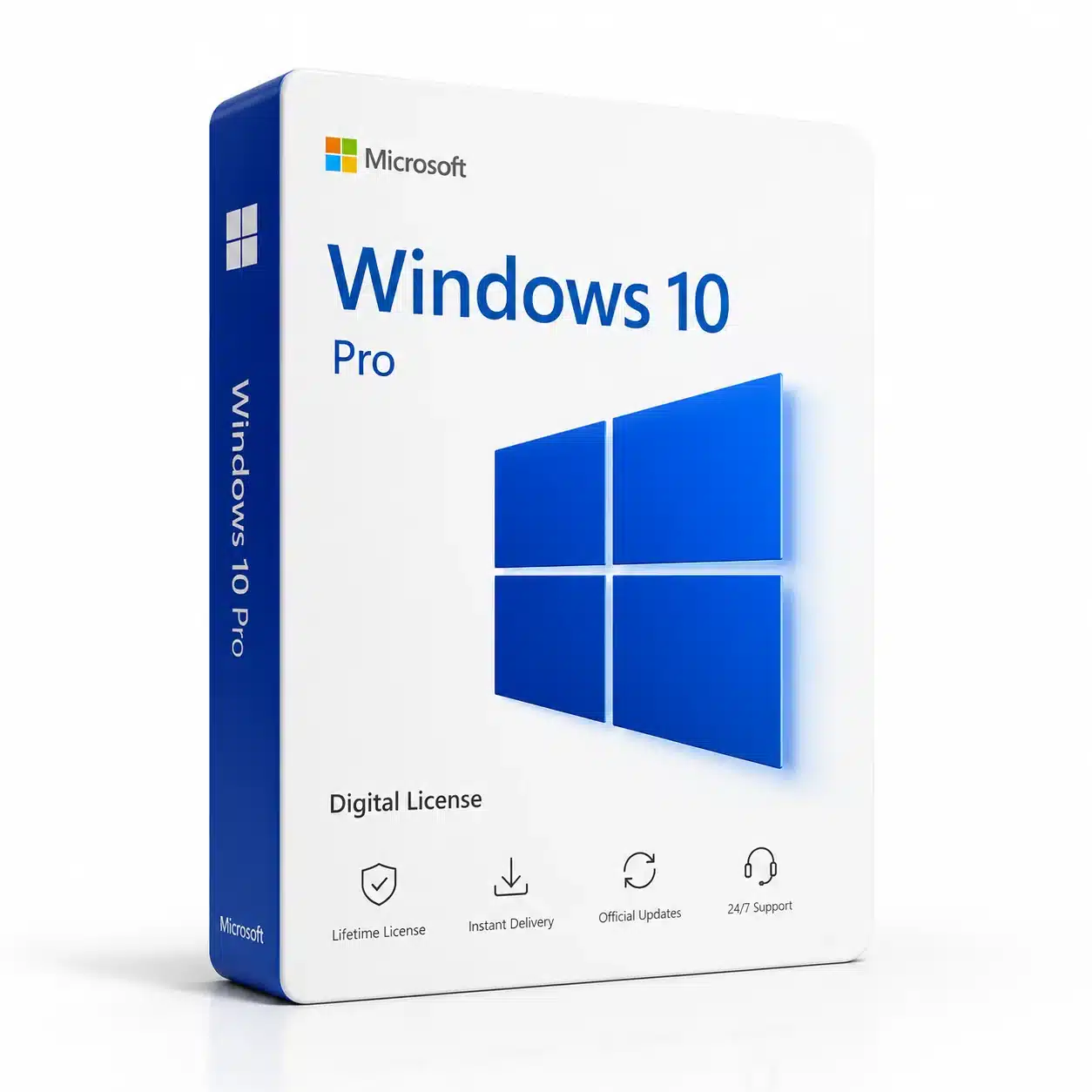
For users who need professional features, Windows 10 Pro provides additional functionality compared with Windows 10 Home, including features designed for business users, advanced security, remote access, and device management.
If you are looking for a Windows 10 activation product, make sure that the product description matches your requirements before completing your purchase.
There are several reasons why users may still search for buy windows 10, particularly when working with older computers, existing software, or hardware configurations designed around Windows 10.
Windows 10 provides a familiar desktop environment that many users have used for years. The Start menu, taskbar, File Explorer, settings, and desktop workflow make it easy for users to navigate their computers.
Many applications and business tools were developed with Windows 10 compatibility in mind. Users who maintain an existing workflow may prefer Windows 10 when their hardware or software setup is specifically configured for it.
A digital license eliminates the need for physical shipping. Once your order is processed, your product information can be delivered digitally according to the purchase terms.
Some older computers may have been designed specifically for Windows 10. If your hardware does not meet Windows 11 requirements, you should carefully evaluate your available options before purchasing an operating system license.
Windows 10 Pro is designed for users who need additional professional functionality.
Some of the features available on supported systems include:
These tools can be useful for freelancers, small businesses, IT professionals, remote workers, and advanced computer users.
If you are purchasing Windows for professional purposes, Windows 10 Pro can provide additional capabilities compared with the Home edition.
Before you buy windows 10, verify your computer’s current Windows edition and system requirements.
If Windows 10 is already installed, you can check your edition through the Windows system settings. This helps ensure that the product you purchase matches the edition you intend to activate.
For example, a Windows 10 Pro activation key should be used with the corresponding Windows Pro edition. Selecting the wrong edition can prevent successful activation.
You should also make sure that your computer meets Microsoft’s applicable requirements and that you understand the licensing terms associated with the product.
Windows 10 and Windows 11 provide different experiences, and choosing between them depends on your hardware, software, and requirements.
Windows 11 introduces a newer interface and additional features, while Windows 10 offers a familiar environment that many users already know.
If your PC supports Windows 11, upgrading to Microsoft’s newer operating system may be worth considering.
For customers who specifically want a windows 11 pro lifetime license, a Windows 11 Pro product can provide access to the professional edition on compatible hardware.
However, if you are working with an older PC or have software that specifically requires Windows 10, you should evaluate compatibility before making your decision.
If your computer supports Windows 11, you may prefer a windows 11 pro lifetime license instead of purchasing Windows 10.
Windows 11 Pro includes professional features designed for productivity, security, remote access, virtualization, and device management.
This can make Windows 11 Pro a suitable option for users who are purchasing a license for a newer computer and want to use Microsoft’s newer Windows platform.
You can also explore our Windows 11 Pro products if you are interested in upgrading your compatible PC.
A digital activation key is designed to activate the corresponding Windows edition through Microsoft’s activation system.
After receiving your product key, follow the Windows activation instructions provided with your purchase. You should enter the key into the activation section of Windows and follow the instructions shown on your screen.
The activation process depends on your Windows edition, device configuration, and licensing conditions.
Always keep your purchase information in a secure place in case you need to refer to it later.
The option to buy windows 10 may be relevant to several types of users, including:
However, because Windows 10 reached its official end of support on October 14, 2025, users should consider their long-term security and software-support requirements before choosing Windows 10.
Windows 10 supports a wide range of productivity applications, browsers, office software, creative applications, communication tools, and business programs.
For users who already have an established Windows 10 workflow, maintaining the same operating system can reduce the learning curve associated with moving to a different Windows environment.
Windows 10 Pro can also be useful in professional environments where features such as Remote Desktop, BitLocker, and Hyper-V are required and supported by the device.
If you operate a small business or work independently, choosing the correct Windows edition can help ensure that the operating system provides the functionality you actually need.
After purchasing the appropriate digital product, activation generally involves entering the product key through Windows settings.
First, make sure the correct Windows edition is installed on your computer. Then open the activation settings and select the option to change or enter the product key.
Enter the product key exactly as provided and follow the instructions displayed by Windows.
For additional official information about Windows, you can consult Microsoft Windows support.
If activation does not work, verify that:
One of the most important steps before you buy windows 10 is checking which edition you actually need.
Windows 10 is available in different editions, including Home and Pro. Each edition has different features and licensing requirements.
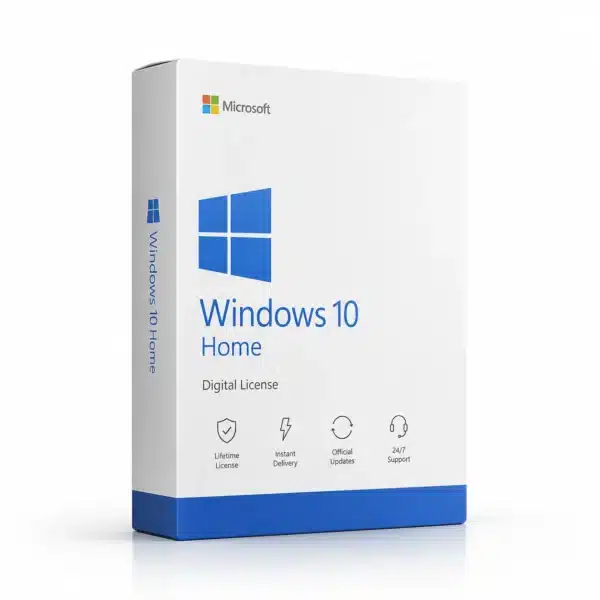
If you need advanced professional features, Windows 10 Pro may be more appropriate. For basic home use, Windows 10 Home may provide everything you need.
Checking your current edition before purchasing can help avoid compatibility problems.
Yes, Windows software products can be purchased digitally, depending on the product and licensing terms. Digital delivery can be convenient because you do not need to wait for physical shipping.
It depends on your requirements. Windows 10 Home is designed for everyday users, while Windows 10 Pro provides additional professional features.
Microsoft ended official support for Windows 10 on October 14, 2025. Users should consider security and long-term support when deciding whether to continue using Windows 10.
If your computer supports Windows 11, the newer operating system may be the better long-term choice. If you have compatibility requirements for Windows 10, you should evaluate those requirements carefully before purchasing.
A windows 11 pro lifetime license generally refers to a product offering intended to provide activation of Windows 11 Pro for a compatible licensed device according to the applicable licensing terms. Always check the specific product conditions before purchasing.
Do not assume that every Windows 10 product key can activate every Windows 11 edition. Activation depends on Microsoft’s licensing rules, the product edition, and the specific key.
After you buy windows 10, you may also need productivity software for your computer.
You can explore our Microsoft Office products for office productivity, documents, spreadsheets, presentations, and other everyday tasks.
If you are moving to a newer operating system, you can also explore our Windows 11 Pro license for compatible computers.
Combining the appropriate operating system with productivity software can give your computer a complete setup for work, study, business, and personal use.
Choosing the right Windows product starts with understanding your computer and your requirements.
If you specifically need Windows 10 because of compatibility, existing software, or hardware considerations, make sure you select the correct edition and understand that official Microsoft support has ended.
If your PC supports Microsoft’s newer operating system, Windows 11 may be the more appropriate long-term option. Users looking for professional features can consider a windows 11 pro lifetime license for compatible hardware.
Whether you choose Windows 10 or Windows 11, always verify the product edition, system compatibility, and applicable licensing conditions before purchasing.
If you are searching for a convenient way to buy windows 10, a digital activation product can provide an easy solution for compatible devices. Before ordering, confirm your Windows edition and make sure the product matches your requirements.
Windows 10 remains familiar to millions of users, but its official support ended on October 14, 2025. For users with compatible hardware, Windows 11 is the newer option and may provide a better long-term platform.
If your computer supports Microsoft’s latest operating system, consider exploring a windows 11 pro lifetime license and compare the features available with Windows 10.
Choose the operating system that best matches your hardware, software requirements, and long-term needs.
No account yet?
Create an Account




Reviews
Clear filtersThere are no reviews yet.