
-50%


Hurry and get discounts on all our key's up to 20%
ORCATHEMES20
$39.99 Original price was: $39.99.$19.99Current price is: $19.99.
 Instant delivery
INSTANT DIGITAL DOWNLOAD
 Purchase Without Risk!
 Satisfied or refunded
Payment Methods:

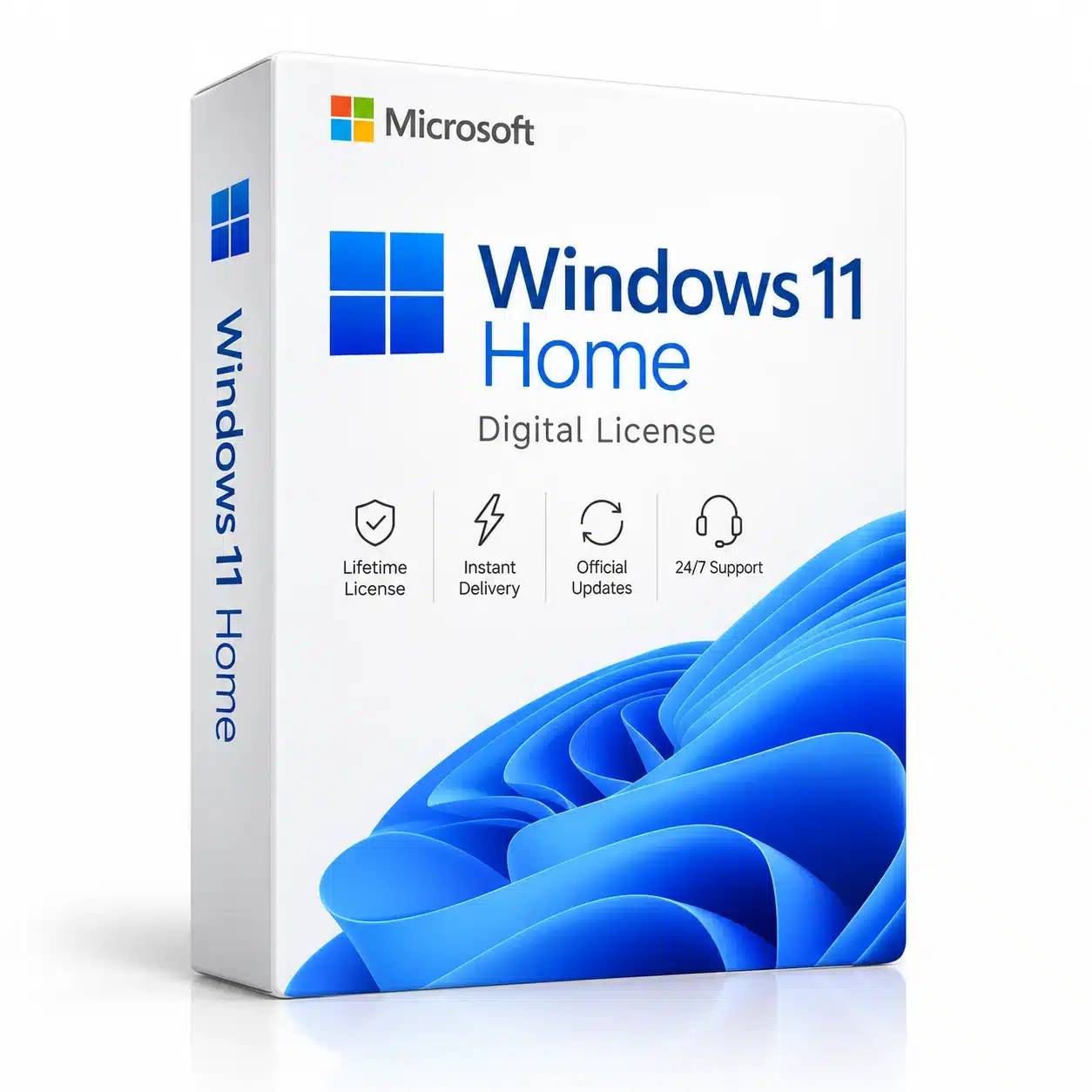
Looking for a licence windows 11 home for your PC? Windows 11 Home is designed for everyday users who want a modern, secure, and easy-to-use operating system for work, study, entertainment, browsing, and personal computing.
A digital Windows license provides a convenient way to activate a compatible Windows installation. Whether you are setting up a new computer, reinstalling your operating system, or replacing an existing license, choosing the correct Windows edition is essential for a smooth activation experience.
Windows 11 Home combines a refreshed interface with productivity tools, security features, built-in applications, and compatibility with a wide range of modern software and hardware.
A licence windows 11 home is a license intended for activating a compatible Windows 11 Home installation.
Windows activation verifies the licensing status of the operating system through Microsoft’s activation infrastructure. Once the appropriate license has been successfully activated, you can use Windows according to the applicable licensing terms.
Windows 11 Home is primarily designed for consumers and home users. It offers the core Windows experience without requiring the additional professional management features available in Windows Pro editions.
For everyday computing, it provides everything many users need in one operating system.
Windows 11 Home is built for modern computers and everyday digital activities.
It can be an excellent choice for:
The redesigned Windows interface makes it easier to organize applications, manage windows, access files, and stay productive.
For users who want a modern Windows environment without advanced business administration tools, Windows 11 Home is a practical option.
One of the main advantages of Windows 11 is its refreshed user experience.
The operating system introduces a cleaner visual design, updated Start menu, improved window management, and a more modern desktop environment.
Snap Layouts make it easier to organize multiple application windows on your desktop. This can be especially useful when working with documents, browsers, spreadsheets, and communication applications at the same time.
Virtual desktops allow users to organize different activities into separate desktop environments. For example, you can keep schoolwork, personal projects, and entertainment applications organized separately.
Windows 11 includes Microsoft Edge, providing a modern browser for websites, online services, research, streaming, and everyday internet use.
The Microsoft Store provides access to compatible applications, games, and other digital content.
Security is an important part of a modern operating system.
Windows 11 includes built-in security technologies designed to help protect your device, applications, and personal information.
Depending on the device configuration, Windows security features can work together with hardware-based protection technologies such as TPM 2.0 and Secure Boot.
Windows Hello can also provide convenient sign-in options on supported devices.
Keeping Windows updated and using strong account security practices are important steps for maintaining a safer computing environment.
A digital licence windows 11 home can be a convenient solution for activating an eligible Windows 11 Home installation.
After purchasing a digital product, the activation information is delivered electronically according to the product’s purchase terms.
Before ordering, verify that your PC is compatible with Windows 11 and that the Windows edition you intend to activate is Windows 11 Home.
A Home license should not be confused with Windows 11 Pro, Enterprise, or Education licenses because different editions have different features and licensing requirements.
Activating Windows 11 Home is generally straightforward when you have an appropriate product key and a compatible installation.
After installing Windows 11 Home:
Windows will attempt to validate the product through Microsoft’s activation system.
The exact activation experience may depend on your device, Windows installation, product type, and licensing conditions.
Before purchasing a Windows 11 Home license, make sure your computer meets Microsoft’s requirements.
Windows 11 has specific hardware requirements, including supported processors, TPM 2.0, Secure Boot capability, memory, storage, and other requirements.
Checking compatibility before purchasing can help prevent installation or activation problems.
You should also check which Windows edition is installed on your PC. If you currently have Windows 11 Pro installed, a Home license may not be the appropriate product for your system.
For official information about Windows 11, features, and requirements, visit Microsoft Windows 11.
Although Windows 11 Home is designed primarily for consumers, it can handle many common work and study activities.
Students can use it for:
Home-office users can use Windows 11 Home for email, documents, online services, communication, and everyday productivity.
If you require advanced business features such as certain enterprise management capabilities, virtualization technologies, or Remote Desktop hosting, you may want to consider Windows 11 Pro instead.
Windows 11 Home and Windows 11 Pro share the core Windows 11 experience, but they are designed for different audiences.
Windows 11 Home is focused on personal and everyday use.
Windows 11 Pro adds professional features that can be useful for businesses, IT professionals, advanced users, and organizations.
The right edition depends on how you use your computer.
If you mainly browse the internet, use Office applications, watch videos, communicate online, study, and manage personal files, Windows 11 Home can be an appropriate choice.
If you need advanced security, management, virtualization, or professional networking functionality, Windows 11 Pro may be more suitable.
Some users may still need Windows 10 because of an existing computer, application compatibility, or specific hardware requirements.
In that case, a licence windows 10 home can be considered for a compatible Windows 10 Home installation.
However, Microsoft ended standard support for Windows 10 on October 14, 2025. Users setting up a new computer should therefore consider Windows 11 when their hardware supports it.
Windows 11 is the newer Windows platform and is designed around modern hardware and security requirements.
Choosing a digital software license can make purchasing and activation more convenient.
There is no physical box or installation media that needs to be shipped. Product information can be delivered electronically according to the seller’s terms.
A digital licence windows 11 home can be useful when:
Always keep your purchase information and product details in a secure location for future reference.
Windows 11 Home is suitable for a wide range of everyday users.
It can be a good option for:
Home Users:
Ideal for browsing, entertainment, photos, videos, communication, and general computer use.
Students:
Useful for research, online classes, documents, presentations, and productivity applications.
Families:
Suitable for shared household computers used for browsing, entertainment, and personal tasks.
Freelancers:
Can handle many common productivity and online business activities.
Personal PC Users:
A practical operating system for everyday desktop and laptop computing.
If you are building or purchasing a new computer, Windows 11 Home can provide a modern operating system environment designed for current hardware.
Before purchasing a license, verify the hardware specifications and Windows compatibility of your device.
If the PC meets Windows 11 requirements, installing the correct edition and activating it with the appropriate license can provide a straightforward setup.
It is also important to distinguish between the operating system installation and the license itself. Installing Windows does not automatically mean that the system has been properly activated.
A licence Windows 11 Home is intended to activate a compatible installation of Windows 11 Home, subject to the applicable Microsoft licensing requirements.
The license should correspond to the appropriate Windows edition. If your PC has Windows 11 Pro installed, check the product requirements before purchasing a Home license.
Windows 11 Home supports a wide range of PC games and gaming technologies on compatible hardware. Gaming performance depends primarily on your processor, graphics card, memory, storage, drivers, and the specific game.
Yes. Windows 11 Home provides tools suitable for browsing, online learning, documents, presentations, research, communication, and many other educational activities.
Existing Windows 10 systems can still be used, but Microsoft’s standard support for Windows 10 ended on October 14, 2025. For a new PC, Windows 11 is generally the platform to consider when the hardware supports it.
Windows 11 Home is the newer consumer Windows edition with a redesigned interface, updated features, and newer hardware requirements. Windows 10 Home is the previous generation of Microsoft’s consumer Windows platform.
If you want a modern Windows operating system for everyday computing, a licence windows 11 home can provide a convenient digital activation option for a compatible PC.
Before purchasing, check your Windows edition and make sure your computer meets the applicable Windows 11 hardware requirements.
For users with older systems or specific compatibility needs, a licence windows 10 home may still be relevant, although Windows 10 is now past its standard support period.
For additional software solutions, explore our Windows licenses and Microsoft Office products to find products that can complement your Windows setup.
Windows 11 Home provides a modern and accessible operating system for home users, students, families, freelancers, and everyday PC users.
Its redesigned interface, built-in security features, productivity tools, application compatibility, and modern hardware support make it a strong option for compatible computers.
If you are looking for a licence windows 11 home, always verify your PC’s compatibility and select the correct Windows edition before purchasing.
For existing computers that require the previous Windows platform, a licence windows 10 home may be an alternative depending on your specific requirements.
Choose the edition that matches your computer and intended use, and always use properly licensed software in accordance with the applicable licensing terms.
No account yet?
Create an Account



Reviews
Clear filtersThere are no reviews yet.