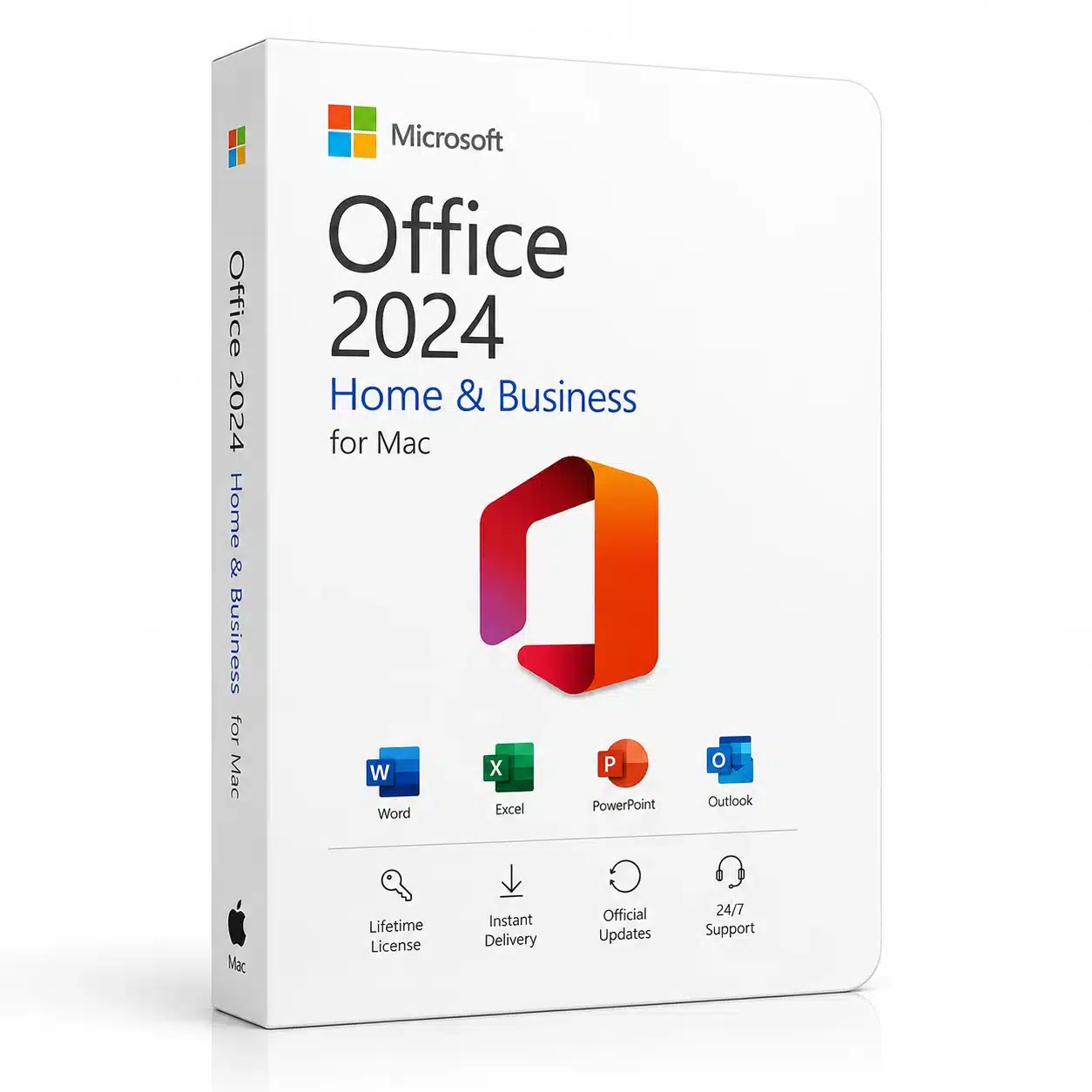
Microsoft Office 2024 HB for Mac
Get Microsoft Office 2024 HB for Mac and bring essential productivity tools together in one powerful desktop solution. Designed for home users, professionals, freelancers, students, and small businesses, this edition gives you access to classic Office applications for everyday work, documents, spreadsheets, presentations, email, and note-taking.
With a one-time purchase, you can install the software on one compatible Mac and use the included desktop applications without a recurring Microsoft 365 subscription. Microsoft lists Office Home & Business 2024 as a one-time purchase for one PC or Mac and includes Word, Excel, PowerPoint, Outlook, and OneNote.
Why Choose Microsoft Office 2024 HB for Mac?
Microsoft Office 2024 HB for Mac is a practical choice if you want the familiar Office experience on your Mac without choosing a monthly or yearly Microsoft 365 subscription.
It combines essential productivity applications in one package, making it suitable for creating professional documents, managing data, preparing presentations, handling email, and organizing notes.
A one-time Office purchase is different from Microsoft 365. Office 2024 provides the classic desktop applications included with the purchased edition, while Microsoft 365 is a subscription service with additional cloud-connected features and ongoing updates.
Microsoft Office 2024 HB for Mac Features
This edition includes a selection of established Microsoft productivity applications designed for everyday professional and personal use.
Word 2024
Create letters, reports, contracts, assignments, CVs, business documents, and other professional files with Microsoft Word. Word provides tools for formatting, editing, reviewing, and presenting written content.
Excel 2024
Use Excel to create spreadsheets, organize information, calculate data, build tables, and analyze information. It is useful for budgets, financial records, business reports, planning, and many other tasks.
PowerPoint 2024
Create professional presentations for meetings, school projects, business proposals, training sessions, and presentations. PowerPoint provides tools for combining text, images, charts, and other content into polished slides.
Outlook 2024
Manage email, calendars, contacts, and other communication tasks with Outlook. It can be particularly useful for professionals and businesses that need a dedicated desktop email and organization application.
OneNote 2024
Keep notes, ideas, lists, research, and other information organized in one place with OneNote.
Designed for Mac Users
Microsoft Office 2024 HB for Mac is built for compatible Mac computers and supports both Intel-based Macs and Apple Silicon systems, subject to Microsoft’s supported macOS versions. Microsoft currently states that Office for Mac is supported on the three most recent major versions of macOS.
This makes the package suitable for many modern Mac users who want desktop productivity applications for work, study, business, and everyday tasks.
Before purchasing, check your Mac’s macOS version and hardware to make sure it meets the current system requirements.
One-Time Purchase for One Mac
One of the main advantages of Microsoft Office 2024 HB for Mac is its one-time purchase model.
Unlike Microsoft 365 subscription plans, Office 2024 is purchased as a standalone software product. Microsoft states that Office Home & Business 2024 can be installed on one PC or Mac.
This can make it a convenient option for customers who prefer to purchase a permanent version of the software rather than maintain a recurring subscription.
A one-time purchase does not include all of the subscription services and benefits available with Microsoft 365, so customers should choose the product based on their specific requirements.
Perfect for Work, Home, and Business
Microsoft Office 2024 HB for Mac can support a wide range of users and activities.
It can be useful for:
- Small business owners
- Freelancers
- Professionals
- Students
- Home users
- Entrepreneurs
- Remote workers
- Teachers and educators
- Administrative teams
- Office professionals
From preparing invoices and reports to creating presentations and managing email, the included applications can cover many common productivity requirements.
System Requirements
Before purchasing Microsoft Office 2024 HB for Mac, make sure your Mac meets the required specifications.
Microsoft’s current requirements for Office 2024 for Mac include:
- Compatible Intel or Apple Silicon processor
- 4 GB RAM
- 10 GB available storage
- 1280 × 800 minimum display resolution
- A supported version of macOS
- Internet access for installation and activation
- A Microsoft account for setup and management
Microsoft notes that Office for Mac supports the three most recent versions of macOS, with support changing as new major macOS versions are released.
Office 2024 vs Microsoft 365
Choosing between Office 2024 and Microsoft 365 depends on how you want to use Microsoft’s productivity tools.
Office 2024 is a one-time purchase intended for customers who want classic desktop applications on one PC or Mac. Microsoft 365 is subscription-based and includes additional cloud services, storage, connected features, and ongoing updates.
If you prefer a standalone Office solution without a recurring subscription, this product may be the better fit.
Easy Productivity for Your Mac
Having Word, Excel, PowerPoint, Outlook, and OneNote together can simplify your everyday workflow. Instead of using separate applications from different providers, you can work with familiar Microsoft tools designed to handle documents, spreadsheets, presentations, email, and notes.
For professionals and small businesses, this can help create a consistent working environment across common office tasks.
Buy Microsoft Office 2024 HB for Mac
Choose Microsoft Office 2024 HB for Mac if you are looking for a one-time Office solution for a compatible Mac.
Before ordering, carefully check the product edition, activation method, device limit, operating-system requirements, and license information displayed on this product page.
Once purchased and activated according to the applicable Microsoft requirements, you can use the included Office applications for your everyday productivity needs.
Important Product Information
This product is intended for compatible Mac computers. Microsoft Office 2024 is a standalone one-time purchase and should not be confused with a Microsoft 365 subscription.
Microsoft’s official documentation states that Office 2024 has a defined support lifecycle, with Office 2024 support scheduled through October 9, 2029.
Always verify the exact license and activation conditions supplied with your purchase from eshopbest.com before installation.
For official requirements and product information, consult Microsoft’s documentation and support resources.




 Instant delivery
 Purchase Without Risk!
 Satisfied or refunded






Reviews
Clear filtersThere are no reviews yet.