
-50%


Hurry and get discounts on all our key's up to 20%
ORCATHEMES20
$59.99 Original price was: $59.99.$29.99Current price is: $29.99.
 Instant delivery
INSTANT DIGITAL DOWNLOAD
 Purchase Without Risk!
 Satisfied or refunded
Payment Methods:

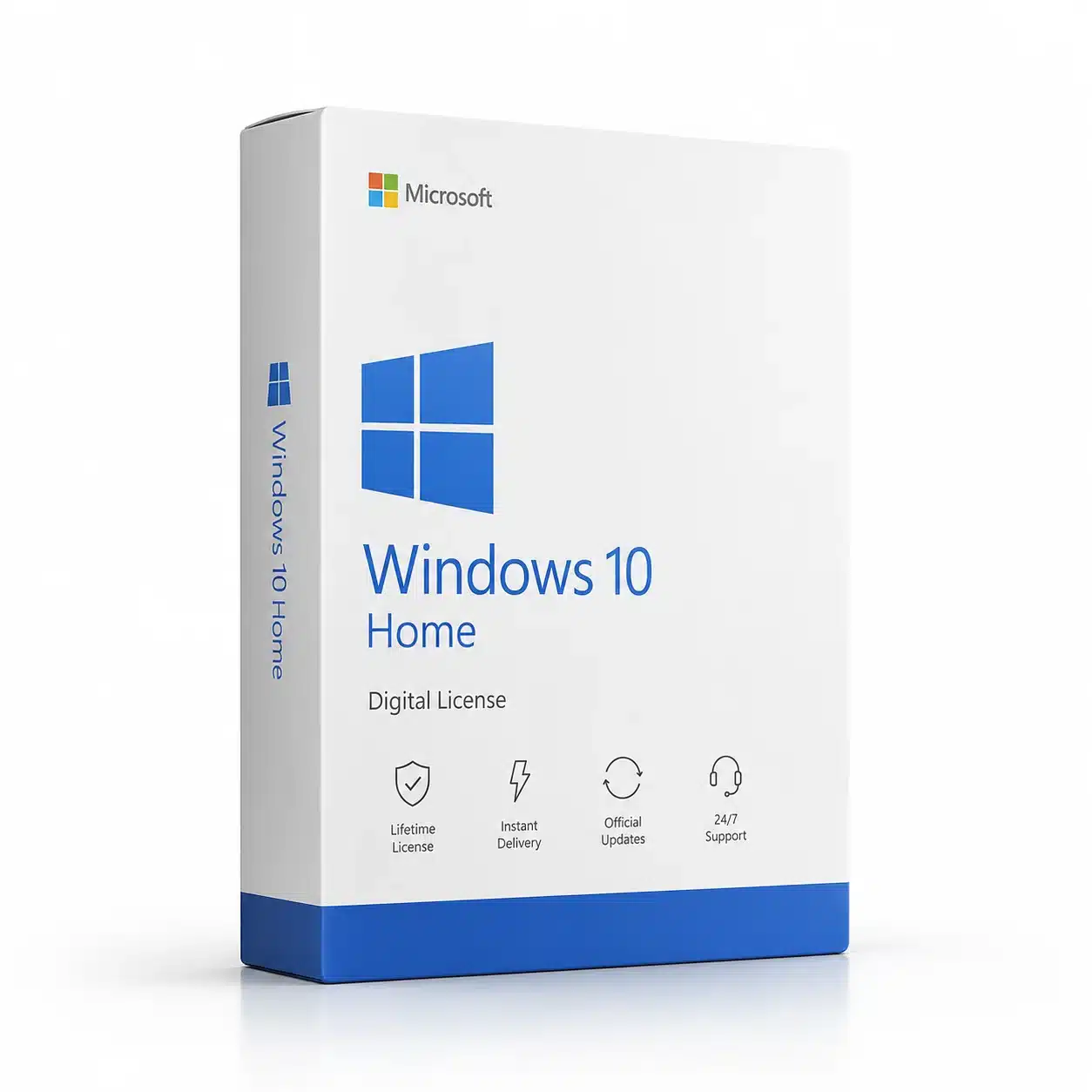
Looking for a licence windows 10 home for your compatible PC? Windows 10 Home is a practical operating system for everyday users who need a reliable environment for browsing, studying, entertainment, productivity, communication, and personal projects.
A digital Windows license provides a convenient way to activate a compatible Windows installation without waiting for physical delivery. Before purchasing, it is important to verify your Windows edition and make sure the license you choose matches the version installed on your computer.
Whether you are setting up a new computer, reinstalling Windows, or replacing an existing license, Windows 10 Home offers the essential features needed for everyday computing.
A licence windows 10 home is a license intended for activating a compatible Windows 10 Home installation.
Windows activation helps verify that your copy of Windows is properly licensed. Once the appropriate license has been successfully activated, you can use Windows according to the applicable Microsoft licensing terms.
Windows 10 Home is primarily designed for home users and everyday computing. It provides the familiar Windows desktop environment together with tools for productivity, entertainment, internet browsing, file management, and communication.
A digital license can also make the purchasing process more convenient because product information can be delivered electronically.
Windows 10 Home is designed for users who do not need the advanced business-management features available in Windows Pro editions.
It can be a good choice for:
If you mainly use your computer for documents, web browsing, video streaming, email, social media, studying, and other everyday activities, Windows 10 Home provides the essential operating system features you need.
Windows 10 Home includes a wide range of features designed to make everyday computer use simple and efficient.
Windows 10 provides a familiar desktop environment with the Start menu, taskbar, file management, search, notifications, and other tools that make navigating your computer straightforward.
Windows 10 includes Microsoft Edge, providing a modern browser for accessing websites, online services, research, communication, and entertainment.
Windows Security provides built-in protection features designed to help protect your computer from common security threats. Keeping Windows and security components updated is an important part of maintaining a safe computing environment.
The Microsoft Store allows users to discover and install compatible applications, games, and other digital content.
Windows 10 Home works with a wide range of productivity applications, including Microsoft Office and many third-party applications.
This makes it suitable for schoolwork, personal projects, documents, spreadsheets, presentations, and everyday administrative tasks.
When purchasing a digital Windows product, the activation information is delivered electronically according to the product’s purchase and delivery terms.
A licence windows 10 home can be useful when activating a compatible Windows 10 Home installation.
Before purchasing, check the Windows edition currently installed on your PC. A Windows 10 Home license is intended for Windows 10 Home and should not be confused with Windows Pro, Enterprise, or Education editions.
Checking the edition before purchasing can help prevent compatibility problems during activation.
Activating Windows 10 Home is generally straightforward when you have an appropriate product key and a compatible installation.
After installing Windows 10 Home, open the Windows activation settings and enter your valid product key when requested.
Windows will then attempt to validate the product key through Microsoft’s activation system.
The activation process can depend on the product type, device configuration, installed Windows edition, and applicable licensing requirements.
Always follow the activation instructions supplied with your product and make sure you are using the correct Windows edition.
One of the most important steps before purchasing a Windows license is checking your current edition.
If your computer is running Windows 10 Home, choose a product designed for Windows 10 Home. If the computer is running Windows 10 Pro, a Home license may not be the appropriate product.
You can check your Windows edition through the system information or activation settings on your computer.
This simple step helps ensure that you purchase the right product for your device.
Windows 10 Home is suitable for a wide variety of everyday activities.
Students can use it for research, online learning, documents, presentations, and communication. Families can use it for browsing, entertainment, photos, video, and general computer tasks.
Freelancers and home-office users can also use Windows 10 Home for email, documents, online meetings, web-based applications, and other everyday professional tasks.
For users who do not require advanced business features, Windows 10 Home can provide a simple and familiar computing environment.
Windows 10 Home and Windows 10 Pro are designed for different types of users.
Windows 10 Home focuses on everyday computing and personal use. Windows 10 Pro includes additional professional features such as BitLocker, Hyper-V, Remote Desktop hosting, and enhanced management capabilities on supported systems.
If you are purchasing Windows primarily for home use, Windows 10 Home may be sufficient.
If you require advanced business, virtualization, remote-access, or management functionality, you may want to consider a Pro edition instead.
Choosing the correct edition depends on your specific requirements.
If you are purchasing Windows for a newer computer, you may also want to consider a licence windows 11 home.
Windows 11 Home is Microsoft’s newer consumer-focused Windows edition and is designed for compatible modern PCs. It provides an updated interface and newer platform features while maintaining the familiar Windows experience.
If your computer meets Windows 11 hardware requirements, Windows 11 Home may be a suitable option for a new installation.
However, if you have an existing compatible Windows 10 computer or specific software and hardware requirements, Windows 10 Home may still be relevant to your setup.
Microsoft ended standard support for Windows 10 on October 14, 2025. This means users purchasing a new operating system should carefully consider Windows 11 when their hardware supports it.
For an existing Windows 10 system, however, users may still have specific reasons for maintaining Windows 10, including software compatibility, hardware considerations, or an existing workflow.
Before making a purchase, consider the long-term requirements of your computer and check Microsoft’s current support information.
Digital software licenses offer several practical benefits.
There is no physical package to store or wait for, and the product information can be delivered electronically. This can make the purchasing process convenient for users who need an activation solution for their compatible PC.
A digital licence windows 10 home can be useful when setting up a computer, reinstalling Windows, or activating an eligible Windows 10 Home installation.
Digital delivery can also make it easier to access your purchase information when you need it.
Windows 10 Home is particularly suitable for:
It provides the essential Windows environment without requiring the additional professional features found in higher editions.
A licence Windows 10 Home is a license intended for activating a compatible Windows 10 Home installation, subject to the applicable licensing requirements.
A Home license is intended for the Home edition. Always check the Windows edition installed on your computer before purchasing.
Yes. Windows 10 Home was designed for everyday personal computing, including browsing, studying, entertainment, communication, and productivity.
A licence Windows 11 Home is intended for activating a compatible Windows 11 Home installation. Windows 11 Home is the newer consumer-oriented Windows edition for supported hardware.
If your PC supports Windows 11 and you are setting up a new system, Windows 11 Home is generally the newer platform to consider. Windows 10 Home may still be relevant for existing compatible systems and specific software or hardware requirements.
Install the appropriate Windows edition, open the activation settings, enter your valid product key, and follow the instructions provided by Windows.
If you need a reliable Windows operating system for everyday computing, a licence windows 10 home can provide a convenient digital activation solution for a compatible PC.
Before ordering, make sure your computer is running the correct Windows edition and check the system requirements. Selecting the right product is essential for a smooth activation experience.
If you are using newer hardware, you can also explore a licence windows 11 home as an alternative for compatible computers.
For additional software solutions, explore our Windows licenses and Microsoft Office products to complete your digital software setup.
Windows 10 Home remains a familiar and practical operating system for everyday users who need a straightforward Windows environment for personal computing.
From web browsing and studying to entertainment, documents, communication, and productivity, Windows 10 Home provides the core features required by many users.
If you are looking for a licence windows 10 home, verify your Windows edition and device compatibility before purchasing. For newer compatible PCs, a licence windows 11 home may also be worth considering.
Choose the Windows edition that best matches your computer, software requirements, and long-term needs, and always use properly licensed software in accordance with the applicable licensing terms.
No account yet?
Create an Account




Reviews
Clear filtersThere are no reviews yet.